
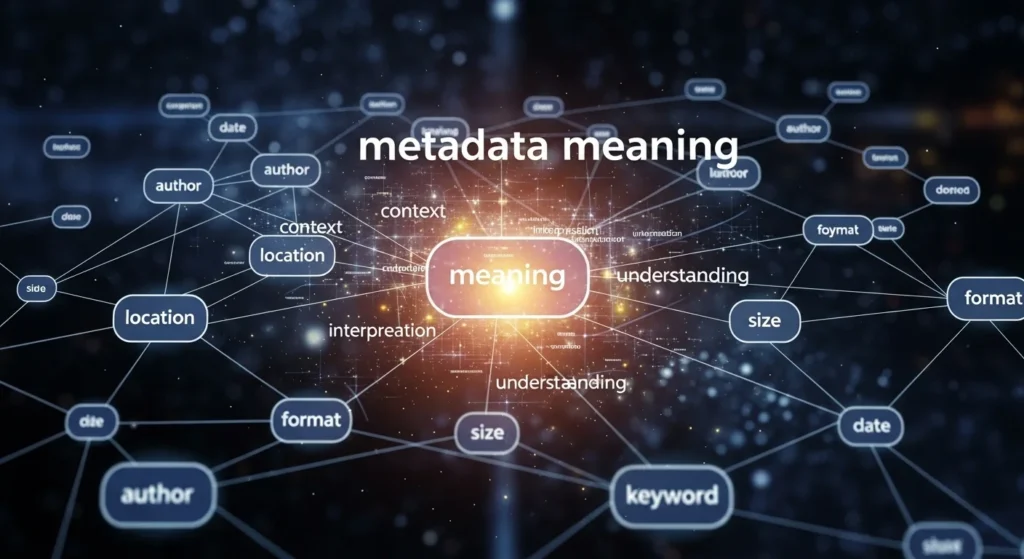
Metadata meaning is one of those tech terms that can seem confusing—but it’s actually fascinating once you understand it. From hidden details in photos to secret info in your chat messages, metadata shapes how we interact with digital content every day. Knowing what metadata is and how it works can save you from embarrassing mistakes and unlock smarter ways to manage your files.
Whether you’re a social media enthusiast, gamer, or just curious about online privacy, understanding metadata meaning gives you a clear advantage. Updated for 2026, this guide walks you through the essentials, shows real-world examples, and helps you spot common errors so you can stay confident in the digital world.
What Does “Metadata” Mean in Chat or Text?
Metadata refers to “data about data.” In simple words, it’s the information that describes or gives context to other pieces of information.
Examples:
In a photo, metadata can include the date it was taken, the camera used, location, and file size.
In a chat, metadata might show the time a message was sent, the device used, or even whether it was read.
Different contexts of metadata meaning:
Technical Metadata – Used in files, databases, and software to describe content.
Social Media Metadata – Data about posts, like tags, timestamps, geolocation, and engagement metrics.
Chat Metadata – Hidden info in messages like sender, recipient, and platform details.
Brief origin/history:
The term “metadata” comes from the Greek prefix meta- (meaning “beyond”) and Latin data. Originally used in library sciences to categorize information, it evolved into a tech term in the digital era. Today, metadata is everywhere—from apps and websites to cloud storage and messaging platforms.
How People Use “Metadata” in Real Conversations
Metadata isn’t just a tech term; it’s increasingly referenced in everyday chats and online discussions. Here’s how it appears:
Platforms:
Texting (iMessage, WhatsApp)
Social media (Instagram, Twitter/X, TikTok)
Gaming chats (Discord, Steam)
Forums and discussion boards
Email and professional platforms
When it’s appropriate:
Discussing privacy, data leaks, or tech settings
Explaining hidden info in shared content
Teaching others how to manage or read metadata
When it’s awkward:
Overexplaining in casual chats (“Hey, did you check the metadata on that meme?”)
Using it in non-technical contexts without context
Personal insight: People often mix up “metadata” with visible details. Understanding the hidden layer helps avoid miscommunication, especially in tech-heavy discussions.
Real-Life Examples of “Metadata” in Text Messages
Here are some relatable chat-style examples to see metadata meaning in action:
Example 1:
Friend: “Check this photo I sent yesterday.”
You: “Cool! I see the metadata says it was taken at 3 PM. That’s your new camera, right?”
Explanation: Metadata provides the timestamp and device info.
Example 2:
Friend: “Why can’t I see your location?”
You: “I disabled the metadata location tag on my pics.”
Explanation: Metadata controls privacy and geotags.
Example 3:
Friend: “Why does the file size look huge?”
You: “Metadata includes thumbnails and edits. That’s why it’s bigger than expected.”
Explanation: Metadata contributes to file size and structure.
Example 4:
Discord chat: “This screenshot is epic.”
You: “Yeah, the metadata shows it was captured on my laptop last night.”
Explanation: Chat platforms often expose metadata like device info.
Example 5:
Email context: “The attachment looks fine.”
You: “Check the metadata; it shows who last edited it.”
Explanation: Metadata can track document history.
Common Mistakes & Misunderstandings
Even savvy users sometimes confuse metadata. Here are common mistakes:
Confusing metadata with visible content – People often think metadata is what they can see. In reality, it’s mostly hidden.
Ignoring metadata privacy – Sharing files without checking metadata can leak location, device info, or editing history.
Overusing technical terms in casual chat – Saying “metadata” without context can confuse friends.
Misinterpreting timestamps – Time zones or edits can make metadata seem misleading.
Related Slangs & Abbreviations
Metadata often appears alongside other digital terms and abbreviations:
EXIF – Metadata format for images (camera info, location, date)
IP – Internet Protocol address stored in metadata of online actions
JSON / XML – Structured formats where metadata is stored in tech and web development
TTL – “Time To Live,” a form of metadata in networking
EDITS – Indicates changes in documents, sometimes visible in metadata
FAQs About Metadata Meaning
1. What does metadata mean in simple terms?
Metadata is information about other data, giving context like time, location, device, or file type.
2. Is metadata the same as visible content?
No, metadata is usually hidden information that describes the content rather than the content itself.
3. Can anyone see metadata in my files?
It depends on the platform. Some social apps strip metadata automatically, but emails, documents, and images may contain it unless removed.
4. Why is metadata important?
Metadata helps organize files, track edits, protect privacy, and understand content history.
5. How is metadata used in chat or social media?
It can track message timestamps, read receipts, location tags, and device info, helping users understand and manage their digital footprint.
Conclusion
Understanding metadata meaning is no longer optional—it’s essential for navigating digital communication in 2026. From privacy protection to better content management, metadata impacts almost everything online. By learning what it is, how it’s used, and where it appears, you can stay savvy and informed.
What’s your favorite chat abbreviation? Drop it in the comments!